

Blog
Netflix on Skoda Enyaq: The Ultimate Guide to Watching Netflix in Your Skoda Enyaq with External Devices
Feb
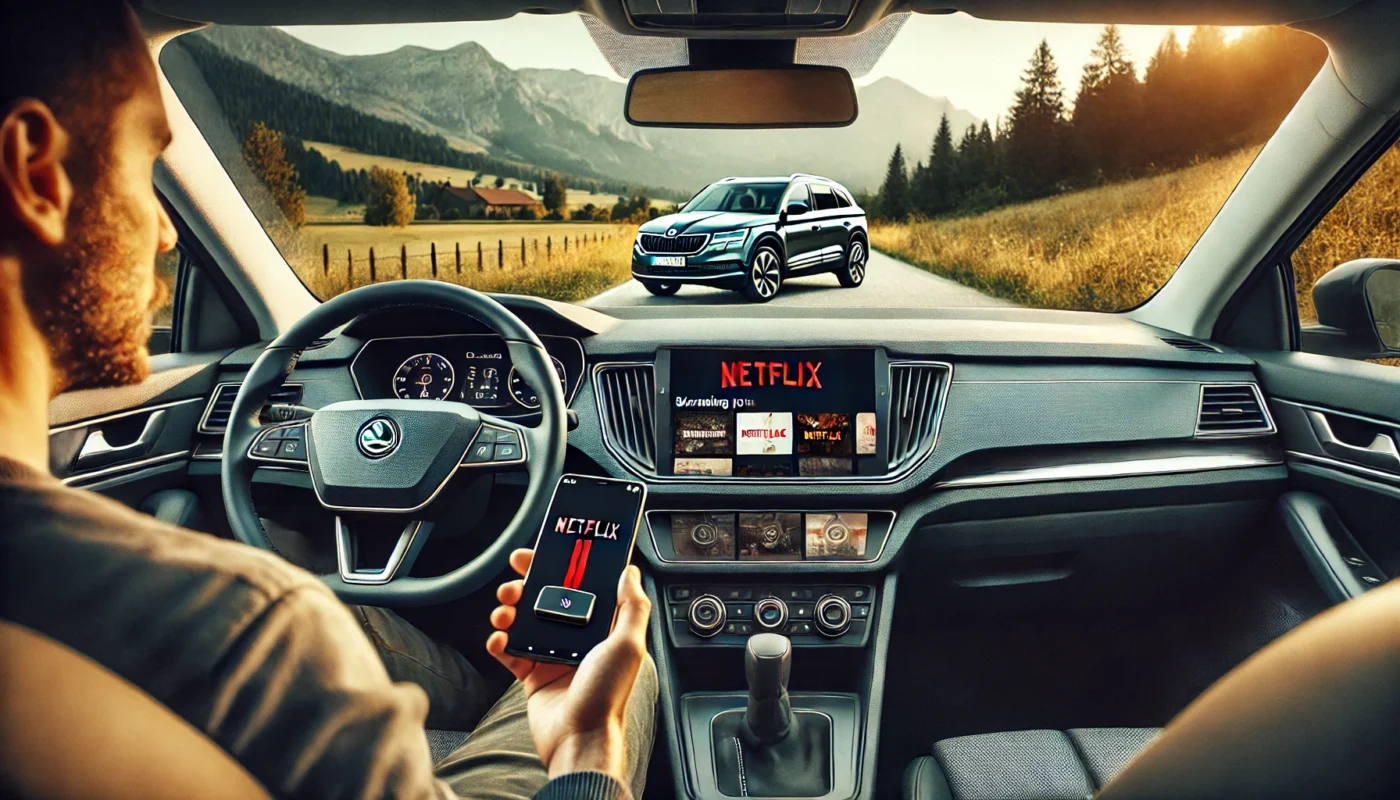
Netflix on Skoda Enyaq – Discover how to watch Netflix in your Skoda Enyaq using external devices like Android systems for CarPlay. A complete step-by-step guide.
Netflix on Skoda Enyaq: How to Stream Netflix in Your Skoda Enyaq Using External Devices

The Skoda Enyaq is one of the most technologically advanced electric vehicles on the market, offering a sleek infotainment system, smart connectivity, and a spacious interior. However, one major limitation for entertainment lovers is the inability to stream Netflix on Skoda Enyaq directly through the built-in system. Fortunately, there are several workarounds that allow you to enjoy your favorite Netflix shows and movies in your Enyaq using external devices such as Android multimedia boxes compatible with Apple CarPlay and Android Auto.
In this detailed guide, we will explore multiple methods for enabling Netflix on Skoda Enyaq, discuss device compatibility, internet connectivity, and provide step-by-step instructions to help you get started.
Why Can’t You Access Netflix on Skoda Enyaq Natively?
Although the Netflix on Skoda Enyaq experience would be a great addition to the built-in infotainment system, there are several reasons why the system does not support Netflix by default:
- Safety Regulations – Streaming video while driving is restricted for safety reasons.
- Software Limitations – The built-in system does not support third-party apps like Netflix.
- Connectivity Restrictions – The infotainment system prioritizes navigation and communication over entertainment.
Despite these limitations, you can still enjoy Netflix on Skoda Enyaq by connecting an external device, such as an Android box or a wireless dongle, to the system.
Methods to Watch Netflix on Skoda Enyaq Using External Devices

Since the built-in system does not allow Netflix playback, the best way to watch Netflix on Skoda Enyaq is by using an external multimedia device that supports video streaming. Below are the best methods:
1. Using an Android Multimedia Box
One of the easiest ways to stream Netflix on Skoda Enyaq is by using an Android-based multimedia box that connects via USB or wirelessly to the CarPlay/Android Auto system.
Steps to Install Netflix Using an Android Multimedia Box
- Purchase an Android Multimedia Box – Choose a device that supports video streaming apps like Netflix, YouTube, and Amazon Prime Video.
- Connect the Device to Your Skoda Enyaq – Plug the multimedia box into the USB port.
- Switch to Android Auto or CarPlay – The device will act as an interface to mirror Android apps on the screen.
- Install Netflix – Open the Google Play Store on the Android box and download the Netflix app.
- Log into Your Account – Enter your Netflix credentials and start streaming.
💡 Tip: Some popular Android multimedia boxes include the Carlinkit AI Box and the MMB Android Box.
2. Using a Wireless Screen Mirroring Dongle
Another effective way to stream Netflix on Skoda Enyaq is by using a wireless screen mirroring dongle such as Google Chromecast or CarPlay AI adapters.
Steps to Set Up a Wireless Mirroring Device
- Purchase a Wireless Mirroring Dongle – Choose a device compatible with CarPlay or Android Auto.
- Plug the Dongle into the USB Port – Connect it to your Skoda Enyaq’s infotainment system.
- Pair with Your Smartphone – Use Bluetooth or Wi-Fi to connect your phone to the dongle.
- Start Screen Mirroring – Mirror your smartphone’s display onto the infotainment screen.
- Open Netflix on Your Phone – Play your favorite Netflix content and watch it on the Enyaq’s display.
💡 Tip: Some dongles may require a third-party app for a seamless connection.
3. Using a Tablet with a Car Mount
For passengers who want to watch Netflix on Skoda Enyaq without connecting to the infotainment system, a simple option is using a tablet with a car mount.
Steps to Set Up a Tablet for Netflix
- Choose a High-Quality Tablet – An iPad or Android tablet with a good display is ideal.
- Install Netflix – Download the Netflix app from the App Store or Google Play Store.
- Use a Car Mount – Secure the tablet on the dashboard or rear seat for an optimal viewing angle.
- Connect to Mobile Hotspot – Ensure your tablet has internet access for uninterrupted streaming.
- Enjoy Netflix on the Go – Select your favorite show and start watching.
💡 Tip: If your Enyaq has USB-C ports, you can keep the tablet charged while streaming.
Table: Comparison of Netflix Streaming Methods in Skoda Enyaq
| Method | Pros | Cons | Best For |
|---|---|---|---|
| Android Multimedia Box | Easy to install, fully integrated with infotainment system | Requires purchasing a separate device | Users who want a seamless interface |
| Wireless Mirroring Dongle | Wireless and easy to use | May have lag depending on connection quality | Users who want a quick setup |
| Tablet with Car Mount | High-quality display, independent of infotainment system | Does not integrate with CarPlay/Android Auto | Passengers who want a personal viewing experience |
FAQ: Netflix on Skoda Enyaq
1. Can I install Netflix directly on the Skoda Enyaq infotainment system?
No, the built-in infotainment system does not support Netflix. However, you can use external devices like an Android multimedia box to access Netflix.
2. What is the best way to watch Netflix on Skoda Enyaq?
The most effective way is to use an Android multimedia box that connects to CarPlay or Android Auto. Alternatively, a wireless screen mirroring dongle or a tablet can be used.
3. Does watching Netflix on Skoda Enyaq drain the battery?
Yes, streaming video content consumes power. If your car is parked and running on battery, it’s recommended to monitor the charge level.
4. Is it legal to watch Netflix on Skoda Enyaq while driving?
No, watching Netflix while driving is illegal and dangerous. Ensure that Netflix is used only when the car is parked or by passengers.
5. Can I use a USB drive to watch Netflix on Skoda Enyaq?
No, Netflix requires an internet connection and cannot be played from a USB drive. However, you can download movies on a tablet and watch them offline.
Conclusion: Enhancing Your Skoda Enyaq with Netflix
While Skoda Enyaq does not natively support Netflix, using external devices like Android multimedia boxes, wireless mirroring dongles, or tablets makes it possible to enjoy your favorite content on the go. By following the methods outlined in this guide, you can seamlessly stream Netflix on Skoda Enyaq and enhance your in-car entertainment experience.
For those looking for the best experience, an Android multimedia box remains the top recommendation due to its smooth integration and ease of use. Whether on a long road trip or charging your Enyaq at a station, Netflix can transform your car into a home theater on wheels.
🚗 Now, it’s time to set up Netflix on your Skoda Enyaq and enjoy endless entertainment wherever you go!
| Feature | Description |
|---|---|
Streaming Service |
Netflix is now available directly on the Skoda Enyaq’s infotainment system, allowing passengers to enjoy their favorite shows and movies while on the road. |
Integration |
The integration of Netflix into the vehicle’s system provides a seamless user experience, with easy navigation and access to content. |
Safety Features |
The service is designed to be used only when the vehicle is stationary, ensuring safety while allowing entertainment options for passengers. |
Subscription Requirement |
Users must have an active Netflix subscription to access the content through the Skoda Enyaq. |
Target Audience |
The feature is particularly aimed at families and frequent travelers who wish to make the most of their time in the car. |
Frequently Asked Questions about Netflix on Skoda Enyaq
What is Netflix on Skoda Enyaq?
Netflix on Skoda Enyaq refers to the integration of the Netflix streaming service into the infotainment system of the Skoda Enyaq electric vehicle. This allows passengers to enjoy their favorite shows and movies on the go, provided the vehicle is parked and connected to a Wi-Fi network.
How can I access Netflix on Skoda Enyaq?
To access Netflix on Skoda Enyaq, users need to ensure that their vehicle’s infotainment system is updated to the latest software version. Once updated, they can navigate to the entertainment section of the system, log into their Netflix account, and start streaming their favorite content.
Do I need a subscription to use Netflix on Skoda Enyaq?
Yes, to use Netflix on Skoda Enyaq, you need an active Netflix subscription. The service requires users to log in with their credentials, and without a subscription, you will not be able to access any content.
Can I use Netflix on Skoda Enyaq while driving?
No, Netflix on Skoda Enyaq is designed to be used only when the vehicle is parked. This is a safety feature that prevents drivers from being distracted by streaming content while driving.
What features does Netflix on Skoda Enyaq include?
Netflix on Skoda Enyaq offers a user-friendly interface that allows for easy navigation through shows and movies. Features include the ability to create profiles, access recommendations, and manage downloads for offline viewing, depending on the availability of storage in the vehicle’s system.
Is the video quality good on Netflix on Skoda Enyaq?
Yes, the video quality on Netflix on Skoda Enyaq can be quite good, depending on the internet connection. When connected to a strong Wi-Fi network, users can enjoy high-definition (HD) content, which enhances the viewing experience significantly.
Can I download shows for offline viewing on Netflix on Skoda Enyaq?
Currently, the Skoda Enyaq’s infotainment system may not support downloading content for offline viewing directly. Users are encouraged to check Netflix’s policies and the vehicle’s system updates for potential changes in features.
What if I encounter issues with Netflix on Skoda Enyaq?
If you encounter issues with Netflix on Skoda Enyaq, first ensure that your vehicle’s software is up to date. You can also check your internet connection. If problems persist, consider reaching out to Skoda customer support or visiting an authorized service center for assistance.
Will using Netflix on Skoda Enyaq affect battery life?
Streaming Netflix on Skoda Enyaq will consume battery power, especially if you are using the infotainment system extensively. However, as long as the vehicle is parked and not in use, it should not have a significant impact on the vehicle’s overall battery life.
Is Netflix on Skoda Enyaq available in all regions?
Availability of Netflix on Skoda Enyaq may vary by region and is subject to local regulations regarding in-car entertainment systems. It’s advisable to check with local Skoda dealers for the latest information on availability in your area.
Can I use other streaming services on Skoda Enyaq besides Netflix?
Depending on the infotainment system’s capabilities, you may be able to access other streaming services alongside Netflix on Skoda Enyaq. Users should refer to the vehicle’s manual or infotainment system settings for details on available apps and services.